Difference Between UI and UX Design | UI vs UX Explained
Wondering about the difference between UI and UX design? Many still confuse the two despite their significant differences. Both terms sound similar to many people. Their roles often overlap during product development.
This creates confusion for business decision makers. Understanding them helps teams plan better products. Simple knowledge improves usability, strategy, and outcomes. It guides stronger UI vs. UX design decisions.
Companies benefit from knowing the real distinction. This blog explains the difference between UI and UX, their roles in product development, key responsibilities, and how both work together to build successful digital products.
Looking for expert help? Explore our UI/UX Development Services to see how we turn design strategy into real results. This clarity supports long-term digital growth.
What Is UX Design?
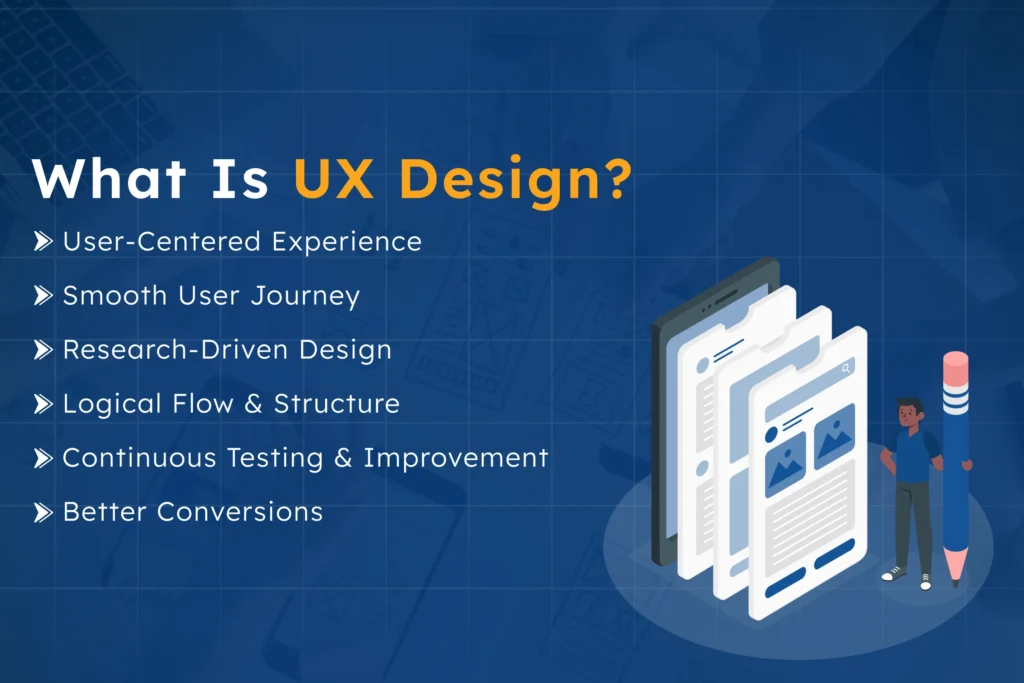
UX design focuses on the overall user experience of a product, defining how users interact and how they feel during usage. Every step of the user journey should be smooth, intuitive, and meaningful, minimizing confusion and ensuring clarity.
To bring this design to life, businesses often leverage professional UI/UX development services, ensuring usability and visual consistency across digital platforms.
Every step within the user journey matters. Each interaction should feel smooth and meaningful. Good UX removes confusion from user actions.
UX design begins by understanding user behavior. User research uncovers actual problems, gaps, and user needs, habits, and expectations.
Insights from research guide design decisions throughout the process, keeping usability as a core focus. Products should feel simple and intuitive.
Designers map clear paths for the user journey, carefully defining structure and flow to ensure every step feels logical and connected. Testing continuously refines the user experience, and feedback strengthens usability and clarity.
Example: Companies that invest in UX first see up to 200% higher conversion rates compared to those focusing on UI alone.
What Is UI Design?
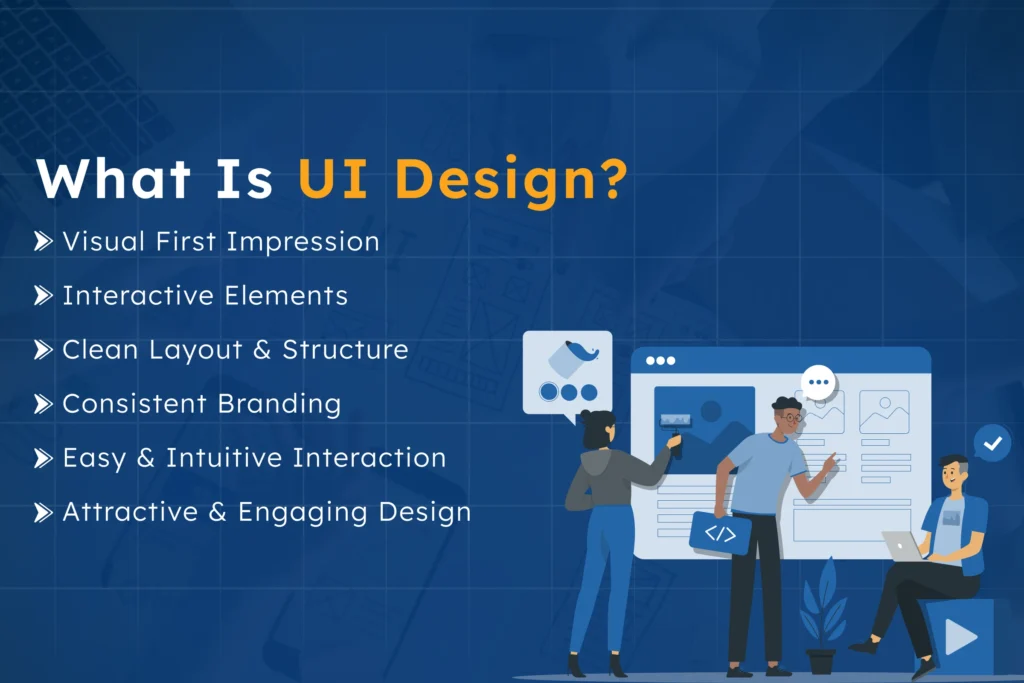
UI design focuses on the visual aspects of a product, including layout, colors, typography, and interactive elements, defining how screens look and how users interact with buttons, icons, and menus. Users notice UI first, forming lasting impressions before exploring deeper features.
To bring these designs to life, businesses often leverage professional UI/UX development services, ensuring interfaces are both visually appealing and easy to use.
UI design includes buttons, icons, and menus. These visual elements guide users smoothly through interactions. Every click and tap should feel natural. Clear visuals help users understand actions quickly.
Layout plays a major role in UI, with content arrangement, spacing, and alignment enhancing clarity, visual balance, and readability. Clean layouts make interfaces feel organized and easy to navigate.
Branding is reflected through consistent visual choices. Colors, fonts, and styles build identity. Strong branding helps users recognize products instantly. It also builds trust and familiarity over time.
When looking at experience design vs. interface design, UI shines. It focuses on presentation, polish, and interaction. Visual consistency supports better user understanding. Strong UI makes products attractive and engaging.
Difference Between UI and UX Design: What You Need to Know
Understanding UX and UI roles can confuse teams, but both contribute differently to creating better overall user experiences.
To understand the difference between UI and UX, it helps to look at their roles.
Below is a simple comparison for clarity.
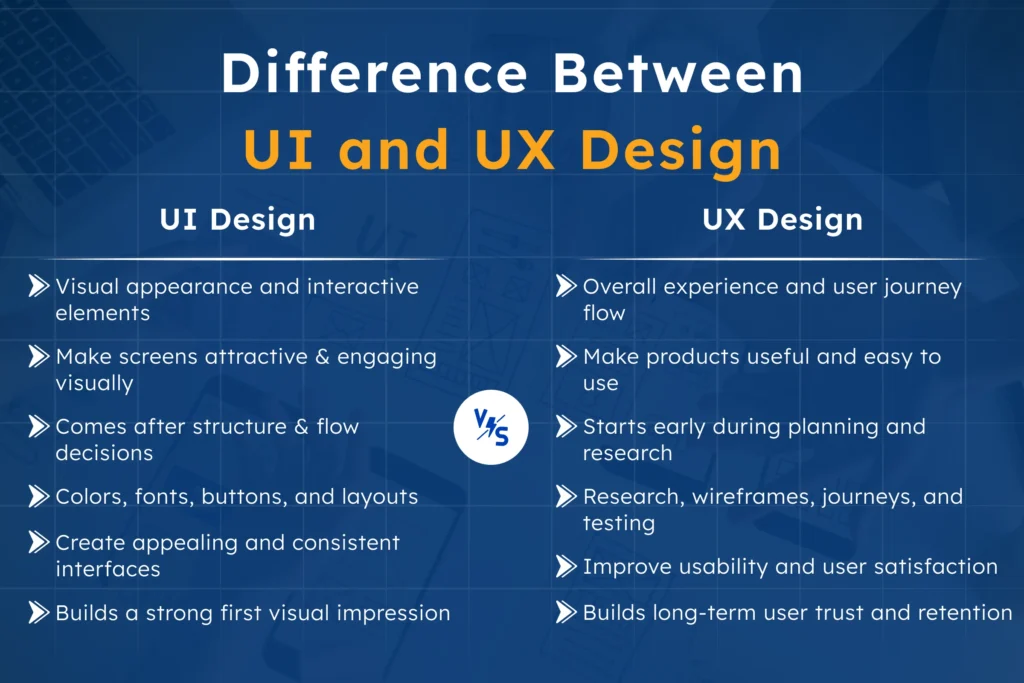
Aspect
UI Design
UX Design
Focus
Visual appearance and interactive elements
Overall experience and user journey flow
Purpose
Make screens attractive and engaging visually
Make products useful and easy to use
Work stage
Comes after structure and flow decisions
Starts early during planning and research
Key elements
Colors, fonts, buttons, and layouts
Research, wireframes, journeys, and testing
Goal
Create appealing and consistent interfaces
Improve usability and user satisfaction
Impact
Builds a strong first visual impression
Builds long-term user trust and retention
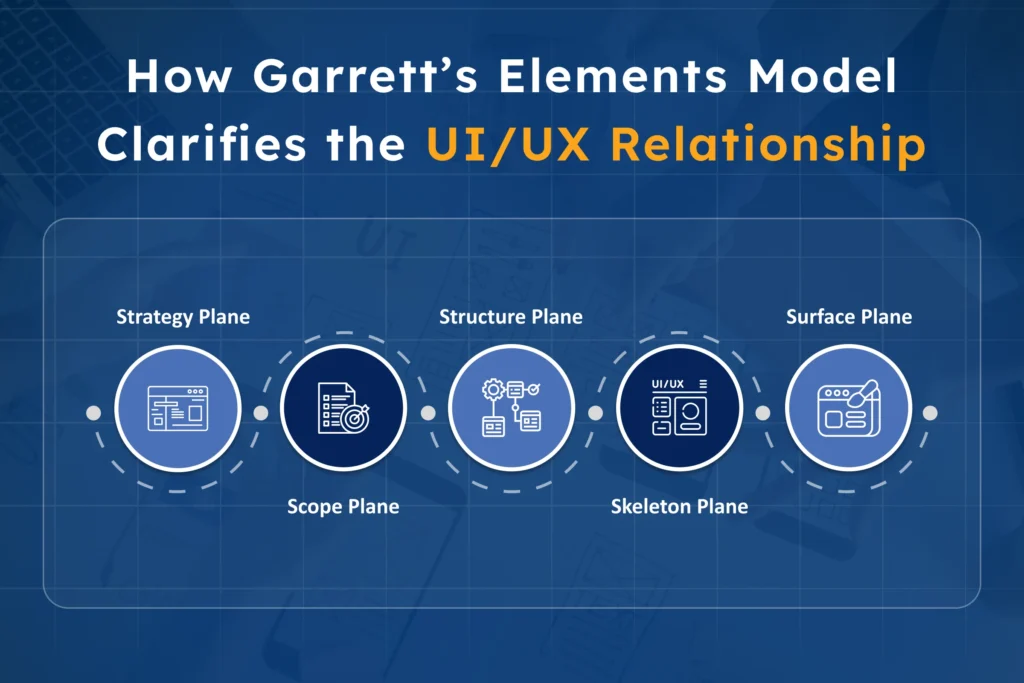
How Garrett’s Elements Model Clarifies the UI/UX Relationship
Garrett’s model explains how experiences form step by step, originally introduced by Jesse James Garrett in The Elements of User Experience.
This framework shows how UX builds strong product foundations. Each layer supports the next design decision. It adds clarity to UI and UX differences. It explains how both roles connect clearly.
Strategy Plane
Strategy forms the base of user experience. At this stage, teams define user needs and business goals, and product purpose. Clear goals guide every future decision. A powerful strategy prevents confusion during development stages.
Scope Plane
Scope defines features and content requirements clearly. Teams decide what the product will include. Functional needs are outlined at this stage.
Content planning also becomes important here. This layer connects ideas with practical execution.
Structure Plane
Structure organizes how the product will function. It carefully shapes navigation and interaction patterns. User flow decisions are created at this level.
Logical pathways help users move easily forward. This step supports smooth and guided experiences.
Skeleton Plane
Skeleton focuses on layout and element placement. Wireframes visually show where features will appear. Buttons, menus, and sections get defined here.
Structure becomes visible before visual styling begins. This stage connects UX planning with UI preparation.
Surface Plane
Surface is where visual design appears. This is where UI plays its role. Colors, typography, and images are applied.
Branding and styling shape the final product’s look. UI sits clearly at this top layer.
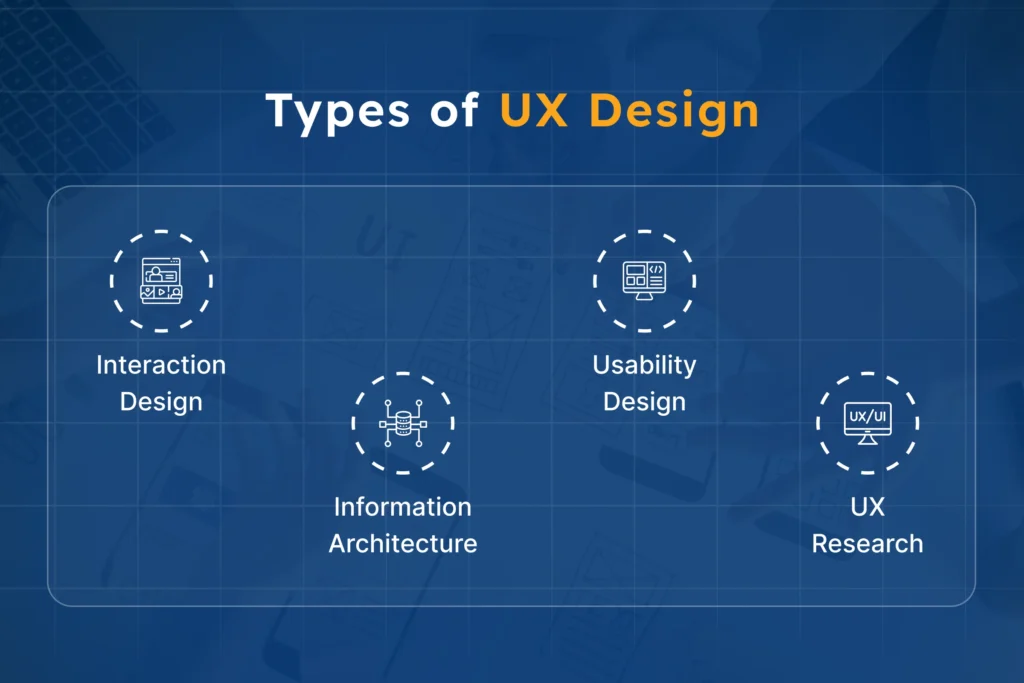
Types of UX Design
UX design includes several focused practice areas. Each area improves experience from different angles. Together, they shape complete and meaningful interactions. These types support stronger and user-friendly products.
Interaction Design
Interaction design focuses on how users engage. It defines how buttons, menus, and features respond. Every click and action should feel predictable.
Smooth interactions improve comfort and user confidence. Clear feedback makes systems easier to understand.
Information Architecture
Information architecture organizes content in logical structures. It helps users find information quickly and easily. Clear navigation reduces confusion during product exploration.
Content placement supports smooth movement across pages. Well-planned structure improves overall user journeys.
Usability Design
Usability design ensures products feel simple and practical. It always focuses on ease of use. Tasks should be completed without effort or confusion.
Clear layouts support faster understanding and action. Good usability increases satisfaction and user trust.
UX Research
UX research studies real user needs and behaviors. It gathers insights through interviews and testing. Data helps designers make informed design decisions.
Research reduces risks during product development stages. Strong insights lead to better user experiences.
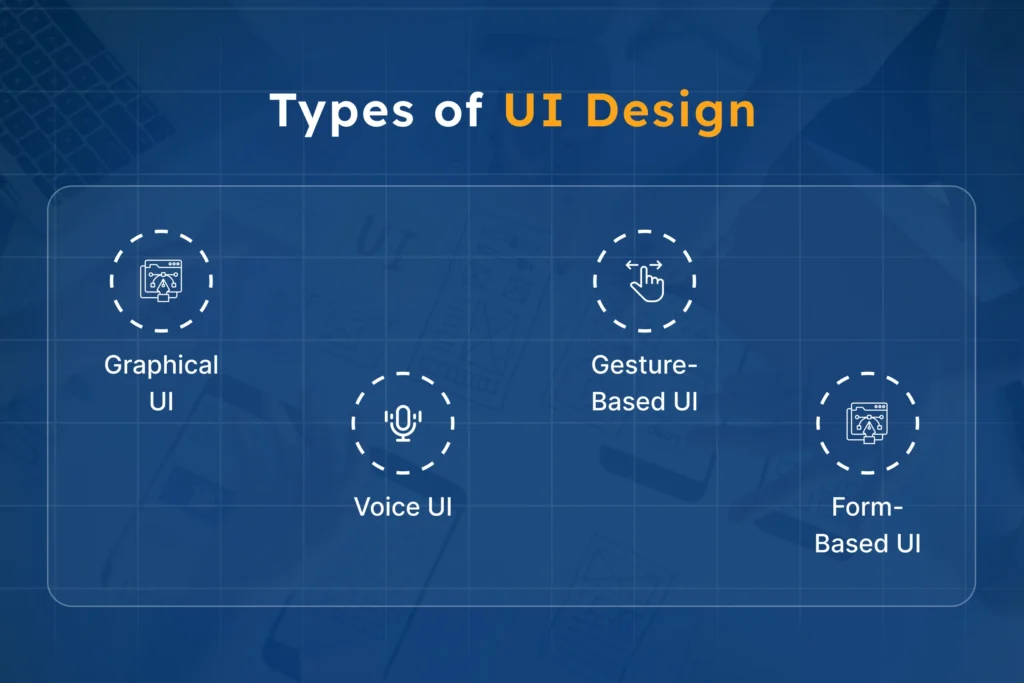
Types of UI Design
UI design appears in many forms. Each type supports different user interaction styles. These interfaces help users connect with systems easily. Good UI adapts to user needs and environments.
Graphical UI
Graphical UI is the most common type of interface, including screens, icons, buttons, and menus. Users interact through visual elements and layouts.
Websites and mobile apps use graphical UI widely. Clear visuals help users navigate tasks quickly.
Voice UI
Voice UI allows users to interact using speech. Commands control actions without touching screens. Virtual assistants use this interface style often.
It supports hands-free and fast interactions. Voice responses guide users through tasks clearly.
Gesture-Based UI
Gesture-based UI responds to physical movements. Users swipe, tap, or pinch screens. These actions control features and navigation paths.
Mobile devices rely heavily on gesture interactions. Natural movements make interactions feel more intuitive.
Form-Based UI
Form-based UI focuses on structured data entry. Users fill fields with required information. Login pages and checkout forms use this style.
Clear labels help users complete tasks correctly. Simple forms improve speed and accuracy.
UX Designer vs. UI Designer: Roles, Responsibilities, and Key Differences
UX designer vs. UI designer roles often confuse. Both contribute to building better digital products. Their responsibilities and skills differ significantly.
Each focuses on different parts of design. Together they create complete and engaging experiences.
Aspect
UX Designer
UI Designer
Focus
User experience and journey planning
Visual design and interface presentation
Responsibilities
Research users and map user journeys
Design screens, layouts, and components
Skills required
Research, analysis, usability, problem solving
Visual design, typography, color, branding
Focus areas
Structure, flow, usability, interaction logic
Look, feel, consistency, visual hierarchy
Work stage
Early planning and testing phases
Later visual and interface design stages
Goal
Make products easy and meaningful
Make products attractive and engaging
Collaboration
Defines flow and experience direction
Applies visuals based on the UX structure
UX and UI Roles in Software Development Projects
Understanding UX and UI roles is essential in software projects. Both shape product success during development stages. Their involvement happens at different project phases. Each step builds toward a complete product.
UX design comes first during early planning. It defines goals, structure, and user journey paths. Teams study user needs before building features.
Wireframes guide direction before visual work begins. Strong planning reduces confusion during development.
UI design starts during the visual execution stages. Designers apply colors, layouts, and branding elements. Screens begin to look polished and interactive.
Visual consistency improves clarity across all pages. This step makes the product visually engaging.
Developers bring both ideas into working products through custom software development services. They follow UX flows and UI designs carefully. Code transforms designs into real interactions.
Close collaboration keeps the experience smooth and consistent. Together, they deliver complete and functional solutions.
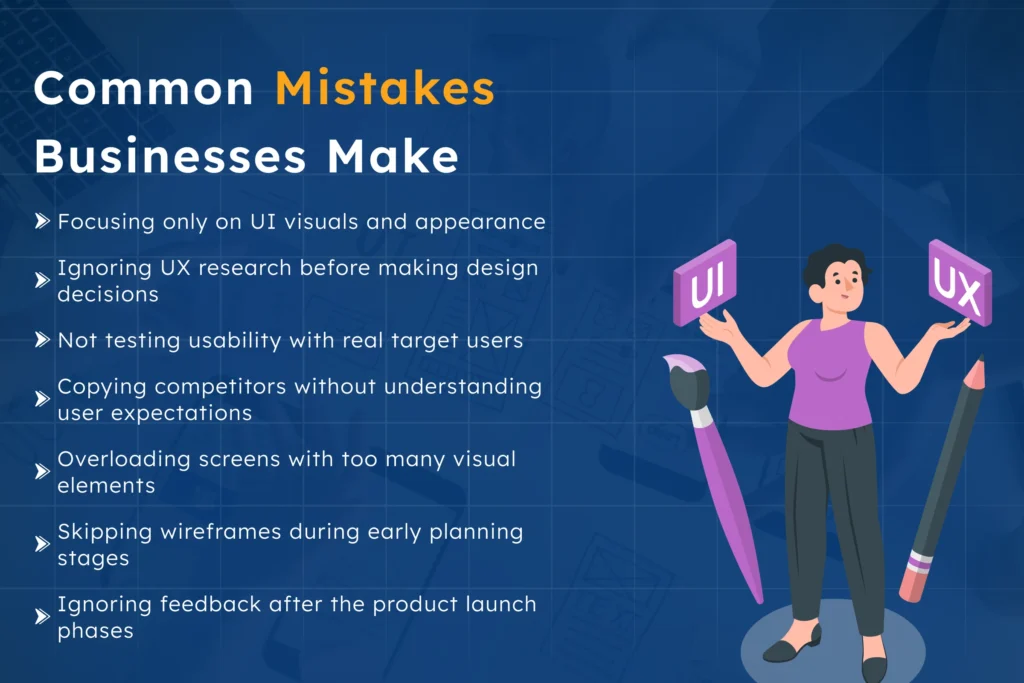
Common Mistakes Businesses Make
Many businesses misunderstand the real role of design. Minor mistakes often lead to poor user experiences. Ignoring UX thinking can weaken product success.
Focusing only on UI visuals and appearance
Ignoring UX research before making design decisions
Not testing usability with real target users
Copying competitors without understanding user expectations
Overloading screens with too many visual elements
Skipping wireframes during early planning stages
Ignoring feedback after the product launch phases
UI and UX: Better Together — Samyak Infotech’s Approach to Product Success
Understanding the difference between UI and UX matters. Both shape how users experience digital products. UX focuses on structure, flow, and usability. UI focuses on visuals, layout, and interaction.
Together, they create complete and meaningful experiences. One cannot succeed effectively without the other.
UI and UX are not competing roles. They work together throughout the product journey. UX builds the foundation for product success.
UI brings clarity, emotion, and visual appeal. Strong collaboration leads to better business outcomes. Balanced design creates lasting user trust.
Looking to build user-focused digital products? Partner with experts who understand both UI and UX deeply and deliver scalable digital solutions. Samyak Infotech helps create meaningful product experiences.
Our team blends strategy, design, and development. Let Samyak Infotech shape your next digital success.
Frequently Asked Questions
What is the difference between UI and UX?
UX focuses on experience, flow, and usability. UI focuses on visuals, layout, and interactions.
Which comes first, UX design or UI design?
UX design comes first during planning stages. UI design follows during the visual execution stages.
Is UX design more important than UI?
Both are equally important for product success. They work together to shape user experiences.
Can a product succeed with only UI Design?
Good visuals alone cannot ensure product success. Poor experiences can still drive users away.
Who handles UX and UI design?
Designers usually manage UX and UI tasks. Developers turn designs into working digital products.







 explore more